
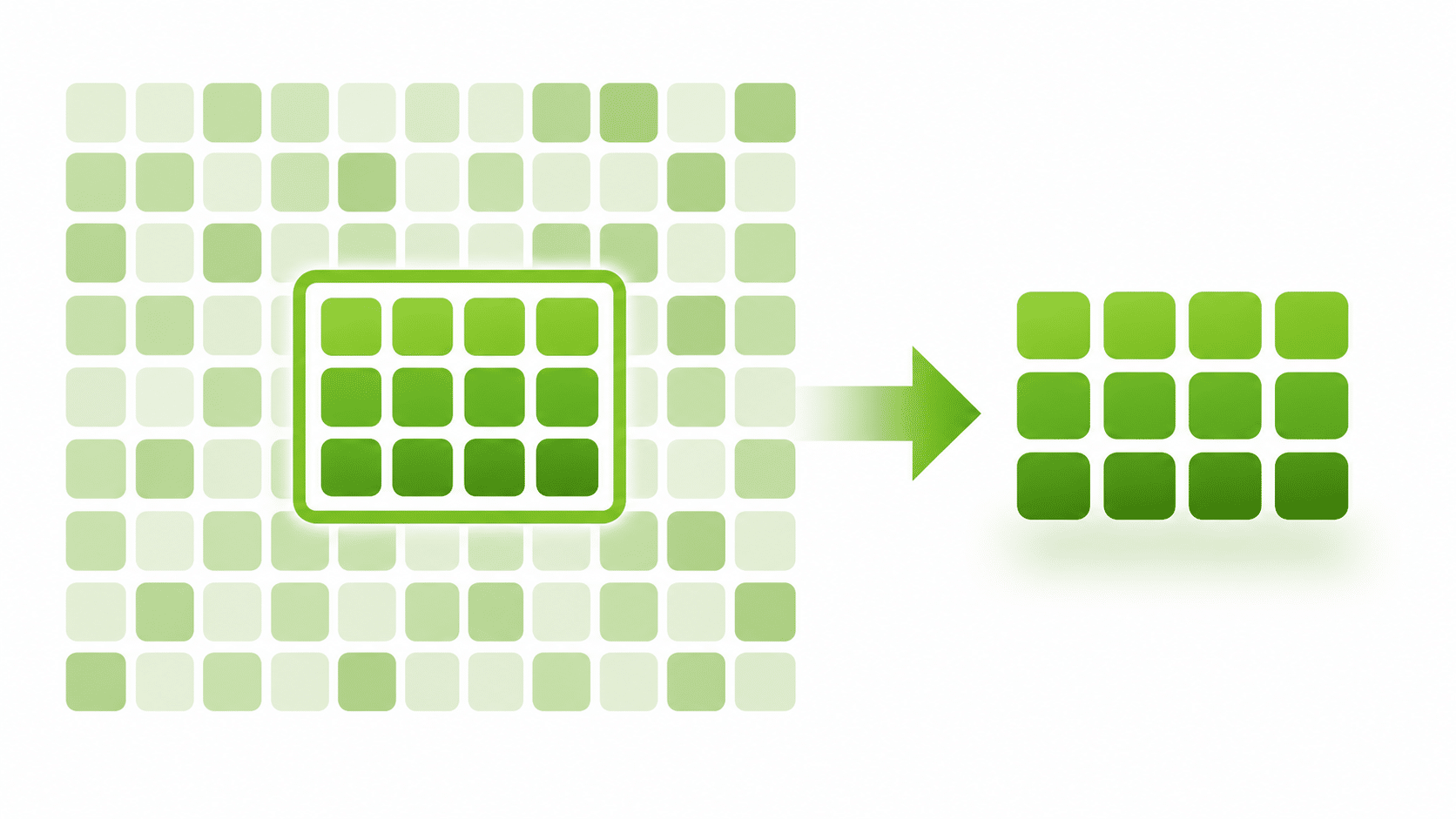
Data subsetting is the process of extracting a smaller, representative and referentially intact subset of a production database for use in non-production environments such as development, testing and training. Instead of copying terabytes of data into every test environment, teams take only the slice they need, keeping every related record so applications behave the way they do in production.
That sounds simple. In practice, getting a subset that is small, realistic and unbroken is one of the harder problems in test data management. This guide explains how data subsetting works, the main methods, a worked example, common pitfalls, and what to look for in a data subsetting tool.
Why Data Subsetting Matters
Most organizations run many non-production environments: dev, system test, integration, UAT, performance, training. Giving each one a full copy of production creates problems quickly.
- Storage cost. Every full copy multiplies storage, backup and licensing costs across environments.
- Slow provisioning and refresh. Copying and restoring large databases can take hours or days, so environments drift out of date.
- Slower testing. Large volumes mean longer batch runs, slower queries and slower automated test suites.
- Greater data exposure. The more real records sit in lower environments, the larger the privacy and security risk.
- Harder to find the right data. Testers spend time hunting for suitable records in millions of rows.
A well-built subset keeps what testing needs and drops the rest, making environments cheaper, faster to refresh and easier to protect.
How Data Subsetting Works
The key challenge is referential integrity. Business data lives in related tables: customers have accounts, accounts have transactions, transactions reference products. If you take 5% of the rows from each table independently, you end up with transactions that point to accounts that don’t exist. Those orphaned rows break applications and cause false defects.
A proper data subset starts from a driving (or anchor) table and follows the relationships from there. A typical process looks like this:
- Connect and discover the schema. Identify tables, primary keys and foreign keys, including relationships the application enforces but the database does not declare.
- Choose the driving table and criteria. For example, 5% of customers, or all customers in one region.
- Traverse the relationships. Pull in the child records that belong to the selected rows (accounts, transactions) and the parent records they depend on (products, branches, reference data).
- Extract or reduce. Either write the subset to a new target, or run a reduction script against a cloned copy so it shrinks in place.
- Protect sensitive data. A subset of production data is still production data, so apply data masking where needed.
- Validate. Check row counts, confirm there are no orphaned rows, and verify constraints before handing the data to testers.
Data Subsetting Methods
Percentage-based subsetting
Take a fixed share of the driving table, such as 1%, 5% or 20%, and bring in everything related. This is the fastest way to cut a database down to a predictable size.
Criteria-based subsetting
Select rows by business rules: customers in a particular state, policies of a given type, orders from a date range, or accounts with a particular status. This targets the data that specific tests need.
Entity-based subsetting
Pick specific business entities, such as a list of customer IDs used by a regression pack, and extract each one with all of its related data. This is useful for reproducing defects and supporting known test cases.
Time-based subsetting
Keep only recent history, for example the last 12 months of transactions, while retaining the master data those transactions depend on.
Extract versus in-place reduction
Subsets can be produced by extracting rows into a new, empty database, or by cloning the source and deleting everything outside the subset. Extraction suits building new environments; in-place reduction suits teams that already provision clones.
Data Subsetting Example
Consider a retail banking database with 2.4 million customers. A test team needs a realistic environment that is small enough to refresh daily. They choose customers as the driving table and a target of 5%.
| Table | Production rows | Subset rows (5% of customers) |
|---|---|---|
| Customers (driving table) | 2,400,000 | 120,000 |
| Accounts | 3,900,000 | 195,000 |
| Cards | 2,100,000 | 105,000 |
| Addresses | 2,600,000 | 130,000 |
| Transactions | 184,000,000 | 9,200,000 |
| Statements | 31,000,000 | 1,550,000 |
Illustrative figures. Every account, card, address, transaction and statement in the subset belongs to one of the 120,000 selected customers, so there are zero orphaned rows. The team could narrow it further with filters, such as only customers active since a given year, and then mask names, addresses and card numbers before release to testers.
Data Subsetting vs Masking, Synthetic Data and Virtualization
Subsetting is one of several test data techniques. They solve different problems and often work best together.
| Technique | What it does | Use it when |
|---|---|---|
| Data subsetting | Reduces data volume while keeping real, related records | You need realistic data at a manageable size |
| Data masking | Replaces sensitive values with realistic fictitious ones | Real data must be protected outside production |
| Synthetic data generation | Creates realistic data from a schema, with no source rows | Production data can’t be used, or the data doesn’t exist yet |
| Database virtualization | Provides lightweight, writable clones of a database | Many environments need full-size copies quickly |
The most common pairing is subset then mask: reduce the data first, then protect what remains. Virtualization offers another route, covered in our post on dynamic data subsetting with data cloning.
Common Data Subsetting Challenges
- Undeclared relationships. Many applications enforce relationships in code rather than with database foreign keys, so a tool that relies only on declared keys can miss them.
- Cross-system integrity. End-to-end tests often span several databases and applications. Subsets must stay aligned across systems, or integration tests fail.
- Losing edge cases. A random 5% may omit the rare scenarios that cause production defects. Combine percentage subsets with targeted criteria.
- Circular and self-referencing tables. Hierarchies such as organization structures or parent accounts need careful handling to avoid gaps or runaway extraction.
- Sensitive data in the subset. Smaller doesn’t mean safe. Subsets still contain real personal data unless masked.
- Refresh effort. Manual scripts are slow to maintain as schemas change, so subsets go stale.
Data Subsetting Best Practices
- Start from test requirements: decide which scenarios the subset must support before choosing a size.
- Never run subsetting or reduction scripts against production. Work read-only on the source, or on a clone.
- Document undeclared relationships and include them in the subset definition.
- Combine a percentage subset with criteria for edge cases and known test entities.
- Mask sensitive data as part of the same pipeline, not as an afterthought.
- Validate every run with orphan checks and row-count reports.
- Automate subsets so environments can be refreshed on demand.
How to Choose a Data Subsetting Tool
When comparing test data management software, look for:
- Database coverage for every platform in your estate.
- Relationship discovery, including the ability to add relationships that aren’t declared.
- Flexible selection: target size plus filters by value, text, date or range.
- Source safety: read-only access to the source database.
- Output options such as files, DDL or in-place reduction scripts.
- Masking and synthetic data in the same platform.
- Deployment and data residency: can it run on your own infrastructure?
- Automation so subsets can run as part of environment provisioning.
Data Subsetting with Enov8 DataFactory Prune
Enov8 DataFactory gives test environments production-shaped data with two engines: Prune for subsetting real data and Bloom for generating synthetic data. Use either, or both.
Prune cuts a large database down to anywhere from 1% to 100%, with every foreign-key relationship intact. Nothing orphaned, nothing broken.
- Any target size, plus optional row filters by value, text, year, number range, or empty / not empty.
- Read-only on the source. Prune never changes it.
- Flexible output: CSV or JSON per table, schema DDL in your dialect, or a reduction script that shrinks a cloned copy in place.
- Broad source support: MySQL, SQL Server, Oracle, PostgreSQL, Db2 for LUW and SAP HANA.
- Self-hosted on your own server with Docker. Nothing is sent to Enov8.
Prune output is real data, just less of it, so pair it with masking from Enov8 Test Data Manager where needed. When production data can’t be used at all, DataFactory Bloom generates realistic synthetic data from a schema.
Explore Enov8 DataFactory or talk to an expert about data subsetting in your environments.
Data Subsetting FAQ
What is data subsetting in testing?
It is the creation of a smaller, referentially intact copy of production data for test environments, so teams can test with realistic data without the cost and risk of full copies.
What does referentially intact mean?
Every record in the subset that references another record, such as a transaction pointing to an account, has that related record present. There are no orphaned rows.
How big should a data subset be?
It depends on the tests. Functional testing often works with 1% to 10% of production, while performance testing may need much more. Start from the scenarios you need to cover.
Is subsetted data safe to use in test environments?
Not by itself. A subset still contains real data, so sensitive fields should be masked before the data reaches non-production environments.
What is the difference between data subsetting and data sampling?
Sampling usually picks rows from a single table or dataset for analysis. Subsetting selects rows across many related tables and preserves the relationships between them.
Conclusion
Data subsetting gives teams realistic test data at a fraction of the size of production. Done well, it cuts storage costs, speeds up provisioning and testing, and reduces data exposure. The key is keeping every relationship intact, covering the scenarios tests need, and masking what remains. Enov8 DataFactory Prune is built to do exactly that.